






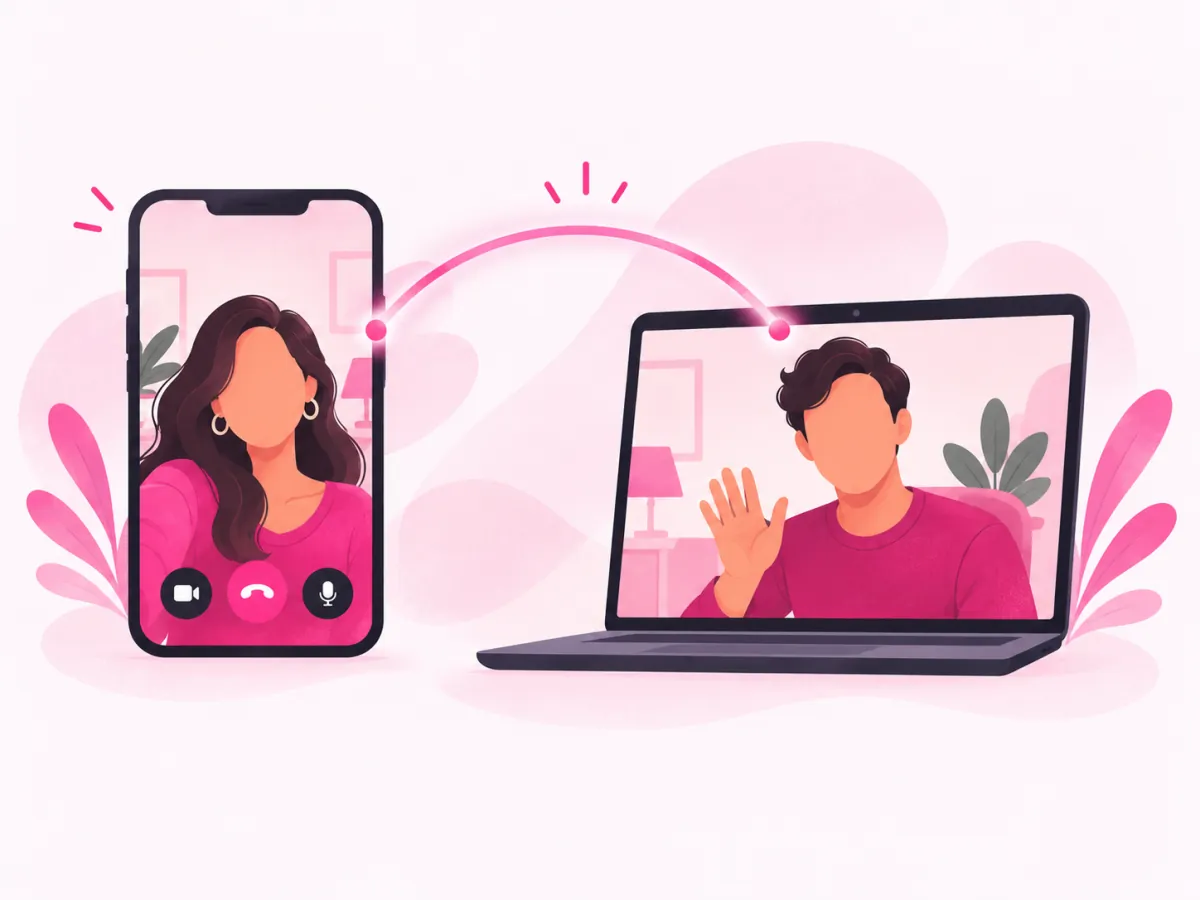
Just the two of you
One stranger, two cameras, one conversation. No crowd, no gallery of faces.
 camsoda.chat18+ Start a 1v1 chat
One stranger on your screen, you on theirs, and a conversation that lasts exactly as long as both of you want it to. Then Next. For adults 18 and over.
Start a 1v1 chatReal people on the other endVenezuela, Argentina, Mexico and more
camsoda.chat is an independent website. It is not CamSoda, and it is not affiliated with, endorsed by, or run by CamSoda or its owners.
What this site does is narrower. It puts you on a live video call with one random stranger (both cameras on, both people talking) and lets either of you move on with a single tap. In that call nobody is performing and there is nothing to tip. If a two-way conversation with someone new is what you were after, you are in the right place. If you meant to reach the CamSoda website, it is a different address, and this page will not pretend otherwise.
Real profiles from the platform. Matching is random, so you can't pick who comes up: you press start, and whoever is free on the other side at that moment becomes your call. Half the fun.
Asked once on this device.
Your browser asks. Nothing connects before you do.
Talk, type, or tap Next after a short countdown.
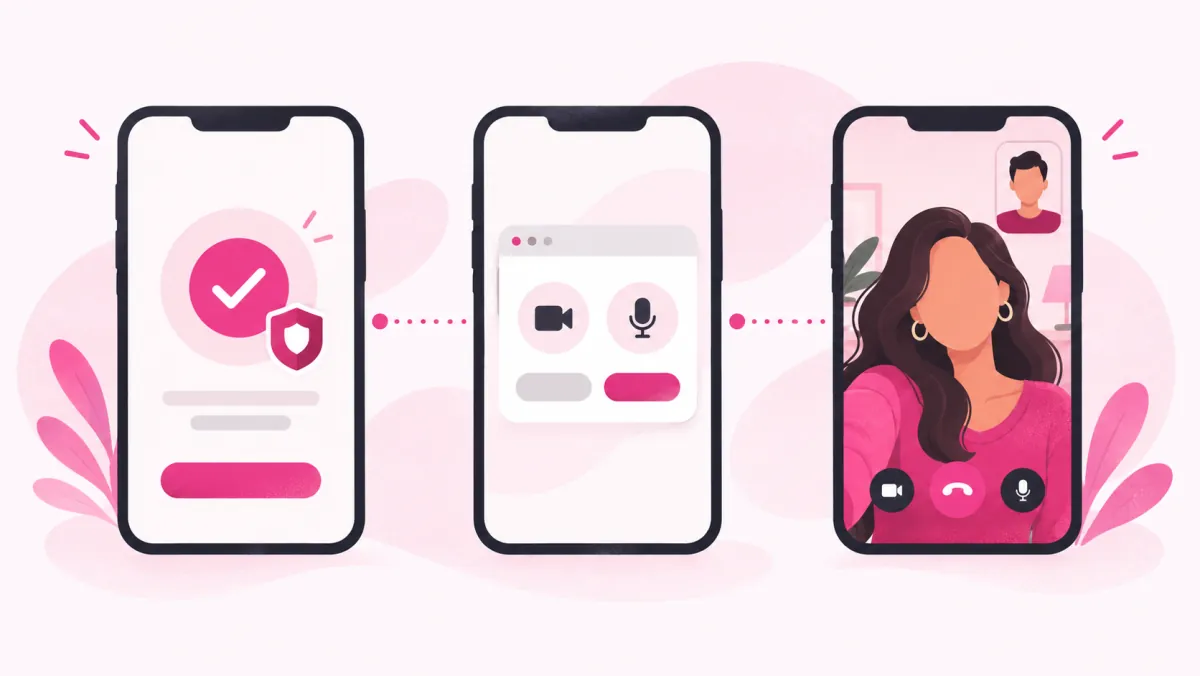
One stranger, two cameras, one conversation. No crowd, no gallery of faces.
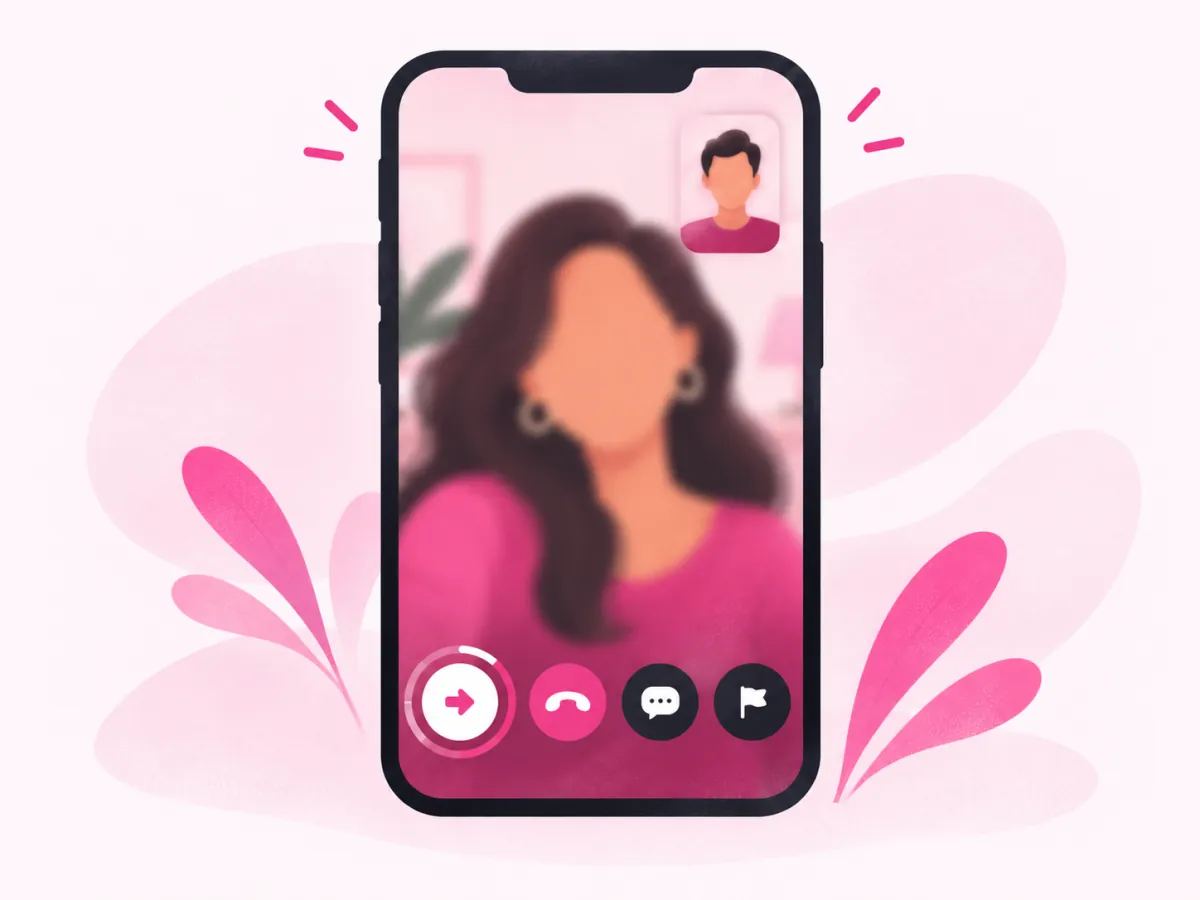
Next, hang up, or report from their profile. You never owe anyone an explanation for leaving a conversation that isn't working for you. Ever.
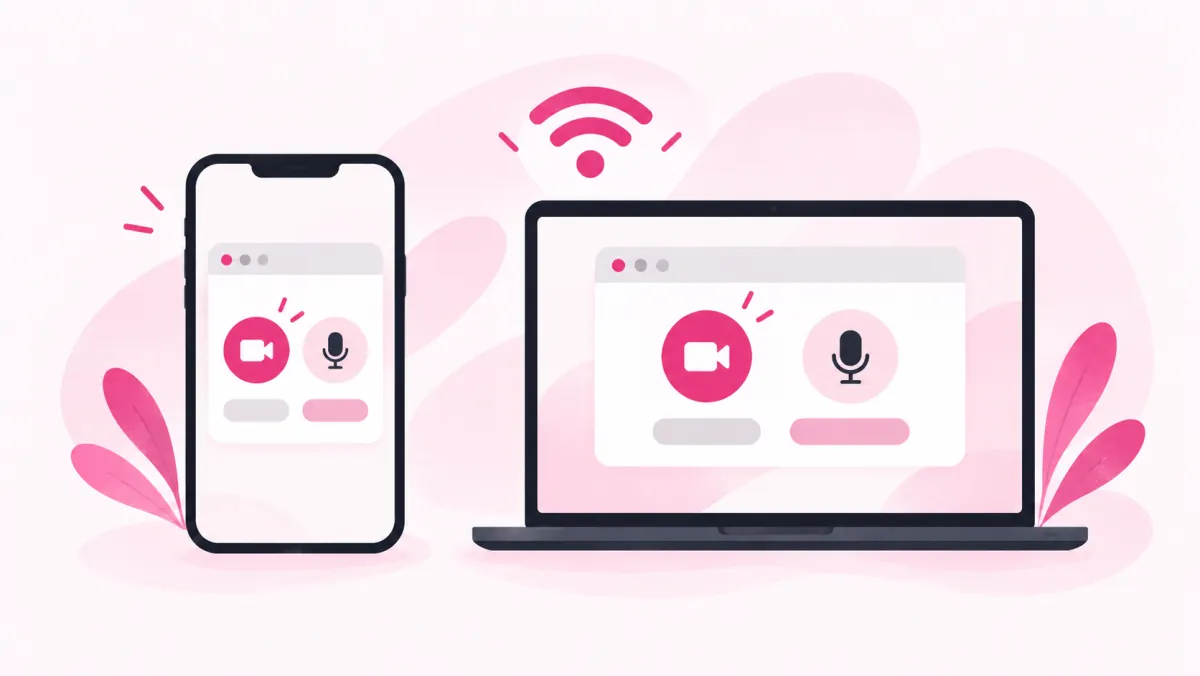
Any up-to-date browser on a phone, a tablet or a laptop will do, and there is nothing to download, update, or keep open between calls. That's it.
Adult video chat, the way this site does it, is a live call between two grown-ups who have never met, set up in the time it takes to allow your camera: you open the page, say yes to the browser prompt, and the site pairs you with one random person who did the same thing a moment earlier. You see each other. You hear each other. That's it.
Simple? Yes. There are no profiles to read first, no matching questionnaire and no wall of faces to scroll through and pick from, because the pairing is random on purpose. Much of the appeal is not knowing who comes next: a student three time zones away, a nurse winding down after a late shift, someone just as curious as you are about how this works.
"Adult" describes who the site is for and what kind of conversation is acceptable. It does not mean anything goes. There is a whole section on that further down, and honestly it matters more than any feature list would.
Under a minute, usually. Here is exactly what happens between this page and a live conversation, in order, so that nothing on the way catches you off guard.
One question, once. The first time you press start on this device a small window asks whether you are 18 or older, and if you say yes it will not ask again on this browser; say no and you simply stay here on this page.
A permission prompt drops down from the address bar. Both are needed. Until you allow them nothing connects, and nobody on the other end sees or hears a thing.
One person fills the screen while your own picture sits small in a corner, the way it does on any video call you have ever made. No form. A guest session was set up quietly in the background the moment you arrived.
If the conversation works, keep going. If it doesn’t, Next shows a countdown of a few seconds and then finds someone else. Or hang up. Any time.
If the camera prompt never appears, your browser may have remembered an earlier "no" from some other visit, which happens more often than you would think and takes about ten seconds to undo; the fix is in the phones and browsers section below.
Every call on camsoda.chat is between two people. Not a group. Not a gallery of tiles, and not a stage with a performer at one end and a crowd at the other. Once you're connected, the conversation belongs to the two of you, and either of you can end it.
That changes how it feels. You aren't competing for anyone's attention, and nobody is squinting at a chat log scrolling past at speed; there is a person, a face, a voice, and the slightly awkward pause before somebody says hello. That pause is the hardest part. It lasts about four seconds.
Choosing from a grid turns people into a catalogue. Random pairing puts you on equal footing. Neither of you picked the other, so neither of you owes the other anything, and if it doesn't click, Next is right there and nobody's feelings are hurt, since nobody was chosen or rejected in the first place. If it does click? Even better.
This is a video chat, not a broadcast. Your camera is part of the deal, the same way theirs is, and in practice people tend to behave better when they can see each other, while conversations go further, and get more interesting, when both sides are actually present rather than half-watching from behind a blank tile. Both cameras. Always.
If you have used random video chat sites before, the basic idea will feel familiar: press a button, meet a stranger, move on when you like. People call it random chat, chatting with strangers, stranger cam. Different words for the same thing.
What changed is what happens around the call. A lot of the older sites were open to anyone, with no age question and no way to report someone that you could actually find. Many of them have since shut down or gone quiet. camsoda.chat keeps the part people liked, the surprise of not knowing who comes next, and puts adults-only rules and visible controls around it.
The speed. You are not filling in a profile or waiting for anyone to accept a request. One tap and a stranger is on your screen; one more tap and they are not.
Everyone is asked to confirm they are 18 or older before their first call. Reporting and blocking sit on each person's profile, where you can always reach them. And the rules say plainly what is not allowed, so the people who came to talk are not driven away by the people who came to do something else. It is a small set of changes. It makes a big difference to who sticks around.
Short version: a place for people over 18 to talk to each other like adults. Conversations can be flirty, frank, personal, the kind of late-night honest you might not manage over coffee with a friend, because two consenting grown-ups are allowed to enjoy each other's company without a chaperone. Within limits.
Here are the limits. The community guidelines prohibit posting or showing explicit, violent or graphic content, and accounts that ignore that can be restricted. That rule isn't decoration. It is how the site stays usable for the people who came here to actually talk.
Consent works the way it does anywhere else: both people want to be there or the call ends, either person can press Next at any moment, and nobody is ever owed an explanation for leaving.
You should never feel stuck. These are the tools that are always within reach.
A small but useful habit: if a call makes you uncomfortable, end it first and think later, because hanging up costs nothing and reporting can wait until you have closed the call, taken a breath and opened their profile in your own time.
Starting is free. Your first match does not cost anything, and you do not need to enter card details to try it.
After that, calls are charged per minute, in coins. Before any minute is charged the app shows you the rate, a plain "this many coins per minute", so the decision is always yours and never a surprise on a statement weeks later. Coins come from the wallet, the card side is handled by a payment provider rather than by this site, and your full card number is never stored here. Simple as that.
No price is quoted on this page, deliberately. Rates can change, and a number typed into a landing page has a way of going stale while the real one quietly moves. Trust the figure the app shows you. That's the one that counts.
The first moments of a video call with a stranger are odd for everyone. Two people, two faces neither has seen before, both quietly wondering who is going to speak first and what on earth they should say. A few things genuinely help:

And if you're the one who wants to move on, just do it. A quick "nice to meet you" before tapping Next is kind. Not required.
Being clear about this saves everyone time. You included.
Still deciding how camsoda.chat compares with the other sites people mention? There is a plain comparison of the well-known names on our chat sites compared page, and a page on chatting free without signing up.
camsoda.chat draws people from all over, and the mix shifts with the time of day. Plenty of the people on the platform are in Latin America, from Venezuela, Colombia, Argentina, Mexico and Ecuador among other places, with others in Southeast Asia, Africa and Europe. If you are calling late at night in the US, the person who answers may be starting their evening somewhere else entirely.
English is the common ground for most calls, but it is far from the only language spoken here. The app lets you browse people by language, with tabs for English, Spanish, Arabic, Vietnamese, Russian and Ukrainian, Portuguese, Turkish, French and Italian. Speak a bit of Spanish? You will find people happy to switch.
Asking where someone is calling from, and what time it is there, is the easiest opener on the site. It works in any language, it costs nothing to ask, and it tends to start the kind of conversation that lasts longer than ten seconds, which on a site built around a Next button is worth a lot.
Nobody plans a call with a stranger the way they plan dinner. It happens in the gaps.
The most common time is the obvious one: after midnight, phone in hand, not tired enough to sleep and not in the mood to scroll the same feeds again. Someone on another continent is just getting home from work, and for twenty minutes the two of you keep each other company.
Five minutes before a shower. A slow evening on a work trip, in a hotel room with nothing on the television. Waiting for laundry. Calls here are as short or as long as you make them, so they fit wherever there is a bit of time.
Sometimes that is the whole appeal. A stranger has no history with you, no opinion about your choices, no mutual friends to repeat anything to, and that is exactly why people say things on calls like these that they would not say to anyone they will see again on Monday, and then they press Next and go to bed. And that is fine.
The two get lumped together, and they are built for different things. On a cam show site, a performer is on camera and viewers watch, usually paying with tokens to tip or to take the performer into a private show. You are mostly in the audience.
A 1v1 video chat site like camsoda.chat works the other way round. Both of you are on camera, both of you talk, and neither of you is putting on a show for the other. You pay for call time, not for tips, and you can see the per-minute rate before anything is charged.
Neither is better in general; they answer different wants. If you are trying to decide between them, our side-by-side comparison of chat sites lays out how the best-known ones work, who each suits and how each charges, with this site listed honestly among them.
camsoda.chat runs in the browser. On a phone that means Safari or Chrome; on a computer, Chrome, Edge, Safari or Firefox. There is nothing to install and nothing to update.
Usually the browser is blocking it. Look for a small camera icon in the address bar, tap it, and set both camera and microphone to "allow" for this site; on an iPhone, check Settings → Safari → Camera as well, because iOS keeps its own switch there. Then reload.
Video calls want a steady connection more than a fast one, so moving closer to the router, closing other tabs that are streaming video, or switching from mobile data to Wi-Fi is usually enough to fix a choppy call without touching any setting at all. Not all. Most.
Yes. Your browser's "Add to Home Screen" option creates a shortcut that opens the site in its own window, which feels a lot like an app, although underneath it is still exactly the same website and there is nothing extra to download or keep updated.
The full rules live on the community guidelines page and the legal terms on the terms of service. Here is what they come down to.
What we collect and why is set out on the privacy policy page, in ordinary language. Read it once.
camsoda.chat is an adult video chat site that connects you one on one with a random stranger, with both of you on camera and either of you free to move on with the Next button whenever the conversation runs out. It runs in your browser. Adults only.
No. camsoda.chat is an independent website with its own owners. It is not affiliated with, endorsed by, or run by CamSoda. Its core is also a different kind of product: a two-way, one-on-one video chat between strangers rather than a site for watching performers.
Free to start. Your first match costs nothing; after that, calls are charged per minute in coins, and the app shows you the rate before a single coin is taken, so you never pay without having seen the price first.
No. When you open the site a guest session is created in the background so your calls have somewhere to live, which is why there is no sign-up form standing between you and your first call. Registering later is optional.
No. Everything happens in the browser you already use. Your browser asks for permission to use the camera and the microphone, and that is the entire setup, on a phone or on a computer.
Tap Next. A countdown of a few seconds runs and then you are connected to someone new. Done for the night? Hang up instead.
Open their profile. The report and block options are there rather than in the call controls. For anything urgent, you can also write to the support address in the footer.
No. Adult here means the site is for adults and that conversations can be grown-up, flirty and frank; posting or showing explicit material is against the community guidelines, and accounts that break them can be restricted.
Because it is an adults-only service. The question appears once per device before your first call, and it also appears if someone lands on an in-app page without having answered it. Under 18? Please leave.
Not from the start button. Matching from there is random, and that is the point of it. If you would rather choose, the app also has a list of people you can browse, with tabs for languages such as English, Spanish and Portuguese, and you can call someone from there.
Yes. The match screen has three modes: video, audio and text. This site is built around video, because a face on both sides makes for better conversations, but nobody forces you to start there.
Not really. There are no profiles to fill in before you start and no swiping. It is closer to meeting someone new at a party: you talk, and either it goes somewhere or it doesn’t. Some people do keep chatting by message afterwards.
Write to the support address at the bottom of this page from the email linked to your account, or mention your username, and ask for deletion. The privacy policy explains what is removed and what the law may require us to keep for a while.
Up-to-date Chrome, Safari, Edge or Firefox should all work, on desktop and on mobile. If the camera does not start, check that you allowed camera and microphone access for this site in your browser settings.
Free to start. The per-minute rate is shown before anything is charged. Adults 18 and over only.
Start a 1v1 chatQuestions first? [email protected]